


Table of Contents
- Step 1: Define Your Event Goals and Measure Your Venue
- Step 2: Calculate Capacity and Space-Per-Person Requirements
- Step 3: Explore Small Corporate Event Layout Ideas
- Step 4: Select Corporate Event Seating Arrangements
- Step 5: Position Stages, Focal Points, and Event Zones
- Step 6: Map Entrances, Exits, and Guest Circulation Paths
- Step 7: Use an Event Floor Plan Template and Free Event Floor Plan Software
- Step 8: Check Accessibility, Safety, and Operational Details
- Bringing Your Vision to Life
- Frequently Asked Questions
Last Updated: October 19, 2026
Step 1: Define Your Event Goals and Measure Your Venue
Start by clarifying what you want your event to accomplish, a team-building retreat, awards ceremony, client dinner, or strategy session. Your event goals drive every layout decision that follows.

Once you know your purpose, measure your space precisely. Document room length, width, ceiling height, doorways, pillars, built-in features, and architectural quirks. This data becomes your foundation.
Document Room Dimensions and Features
Accurate measurements are non-negotiable. Most spaces aren’t perfect rectangles, alcoves, angled walls, or columns affect how you arrange furniture and create event zones.
Create a simple sketch or use graph paper. Mark:
- Total square footage
- Door and window locations
- Permanent fixtures (bars, pillars, built-ins)
Teams working with precise measurements avoid costly mistakes during setup. One miscalculation can force you to remove tables or seating last-minute.
Identify Fixed Elements and Constraints
Some venue features won’t move. Identify them now so you plan around them.
Fixed constraints typically include:
- Structural columns or load-bearing walls
- Kitchen or catering access points
- Existing lighting rigs or AV infrastructure
Understanding these limits prevents redesigns midway through planning. A small corporate event space of 1,000-1,500 square feet leaves little room for surprises.
Step 2: Calculate Capacity and Space-Per-Person Requirements
How many guests are you inviting? That number determines everything about your floor plan small corporate events.
Different seating styles require different space per person. Theater-style needs roughly 6-8 square feet per person, classroom-style 10-12, and banquet rounds 15-18 for table, chair, and circulation room.
Do the math:
- Divide your total room square footage by your guest count
- Compare the result to the space requirement for your chosen layout style
- Adjust either the guest count or the layout if the numbers don’t align
For example, a 1,200-square-foot room with 80 guests in a cocktail reception (6-8 sq ft per person) works well.
Accurate capacity math prevents overcrowding and ensures guests move comfortably through your event zones.
Step 3: Explore Small Corporate Event Layout Ideas
Your layout depends on event goals and audience needs, a presentation-focused retreat needs different sightlines than a networking mixer.
Theater and Classroom Styles for Presentations
Theater-style seating puts chairs in rows facing a stage or focal point with no tables.
Classroom-style adds tables in front of each row so attendees can take notes, place drinks, or work on materials.
Both styles concentrate people toward the front of the room, leaving space at the back for registration, food service, or standing room.
Advantages of theater and classroom layouts:
- Maximum seating in limited space
- Clear sightlines to the presentation area
- Easy to adjust row spacing based on final headcount
Mixed and Networking Layouts
Mixed seating combines theater rows with cocktail or high-top tables, ideal when you have both presentation segments and informal mingling.
Networking layouts use scattered round tables with minimal or no stage area. Guests circulate freely between tables and conversation groups, which suits receptions, client appreciation events, or team socials.
Mixed and networking layouts:
- Encourage conversation and relationship-building
- Create multiple focal points rather than one stage
- Allow guests to move and choose where they sit
Step 4: Select Corporate Event Seating Arrangements
Seating style shapes the guest experience. Choose based on your event goals and desired tone.
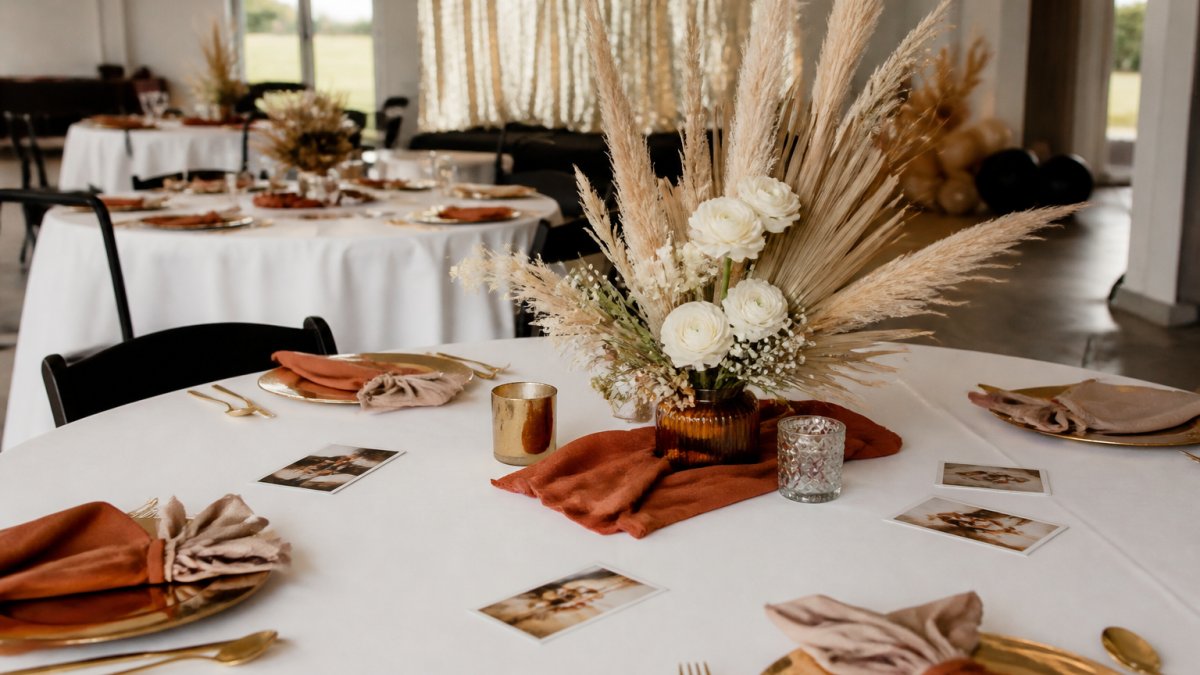
Round Tables for Networking and Conversation
Round tables seat 8-10 people comfortably. Everyone faces inward, making conversation natural, and no one sits at the “head,” so the dynamic feels egalitarian.
Round tables work best for:
- Meals and formal dinners
- Networking events where mingling matters
- Team celebrations or awards ceremonies
Round tables do consume more space than classroom-style seating. In a small corporate event space, you’ll fit fewer people overall. If you have 80 guests and choose round tables, you’ll need roughly 8-10 tables plus circulation space.
Crescent Rounds and Mixed Seating for Flexibility
Crescent-shaped arrangements place chairs on one side of a round table, leaving the other open, ideal when you have a focal point (stage or screen) and want table seating.
Guests sit at the table but all face the front, combining round-table intimacy with theater-style focus.
Mixed seating blends styles in one room: theater rows near the stage, round tables in the middle, and high-top cocktail tables at the back. It gives guests options, some prefer sitting, others standing and mingling, which suits corporate events with varying comfort levels.
Crescent rounds let you seat 6-8 people per table while maintaining clear sightlines to a presentation area. This is the sweet spot for small corporate event spaces where you need both engagement and focus.
Step 5: Position Stages, Focal Points, and Event Zones
Once you’ve chosen your seating style, decide where the stage, screen, or focal point goes. This anchors your entire layout.
Create Clear Sightlines to Presentation Areas
If your event includes speeches, presentations, or announcements, position the stage or screen where everyone can see it. Avoid corners or walls where columns or furniture block sight lines.
In a small corporate event space, the stage doesn’t need to be large. A simple 4-by-8-foot platform with a podium or a wall-mounted screen works.
Check sightlines from every seat:
- Can people in the back row see over heads in front?
- Are there columns or architectural features blocking the view?
- Is the screen or stage bright enough to see in your room’s lighting?
Define Registration, Food, and Beverage Stations
Event zones organize your event’s flow, guests enter, check in, grab refreshments, find seats, and circulate between activities.
Common event zones in small corporate events:
- Registration area: Near the entrance, with a table and staff to check guests in
- Cocktail station: High-top tables with drinks and appetizers for mingling
- Dining area: Round tables where guests eat and sit
Position zones so traffic flows logically: guests shouldn’t cross the dining area to reach the restroom, food service shouldn’t block exits, and registration should be the first thing people see.
Clear pathways and distinct zones make the event feel organized and intentional.
Step 6: Map Entrances, Exits, and Guest Circulation Paths
Guest flow determines whether your event feels smooth or chaotic. Plan how people enter, move through the space, and exit.
Mark entrances and exits on your floor plan. With multiple doors, decide which is the main entry and which are exits or emergency egress routes.
Create clear pathways:
- A main path from entrance to registration
- Secondary paths to the dining or presentation area
- Routes to restrooms and food service
Avoid dead ends where guests get trapped. Don’t place furniture so close together that people have to squeeze through.
Circulation paths should:
- Feel intuitive (guests shouldn’t wonder where to go)
- Avoid crossing the main presentation area
- Keep exits visible and accessible
Step 7: Use an Event Floor Plan Template and Free Event Floor Plan Software
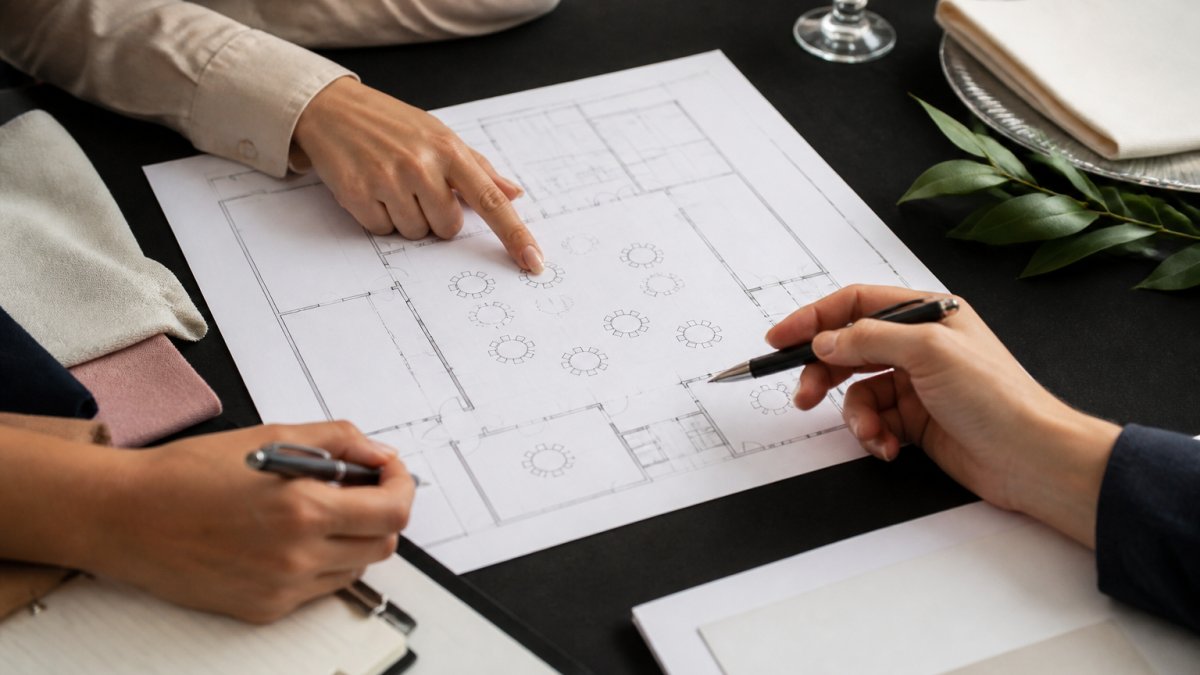
Now visualize it. Use a template or software tool to create a to-scale drawing of your floor plan small corporate events.
Free Event Floor Plan Software and Drag-and-Drop Tools
Several free and low-cost tools let you build event floor plans without design experience, and drag-and-drop interfaces make experimenting easy before you commit.
Look for software that includes:
- Pre-drawn furniture shapes (tables, chairs, stages)
- Drag-and-drop functionality
- The ability to import your room dimensions
Many event planners start with free tools to test layouts, then upgrade to paid versions if they need advanced features like 3D visualization or real-time collaboration.
Creating a To-Scale Drawing and 3D Preview
A to-scale drawing means every element is proportional to the actual room. At 1 inch = 1 foot, a 40-by-30-foot room becomes a 40-by-30-inch drawing.
To-scale drawings prevent surprises:
- You catch spacing problems before setup day
- You can show clients exactly what the room will look like
- You have a reference for vendors (caterers, AV teams, florists)
Some software offers 3D previews. You see the room from a bird’s-eye view and also from the perspective of someone standing in the room. This helps you visualize sightlines and traffic flow.
Many planners skip the to-scale step and rely on rough sketches. This leads to furniture that doesn’t fit, blocked exits, or crowded seating. Spend 30 minutes creating a proper floor plan. It saves hours of stress on event day.
Step 8: Check Accessibility, Safety, and Operational Details
Before finalizing, verify your layout meets accessibility standards, complies with venue safety rules, and leaves room for operational needs.
Verify ADA Compliance and Clear Pathways
The Americans with Disabilities Act (ADA) requires accessible routes through public spaces, including event venues.
Accessible routes need:
- At least 36 inches of clear width for wheelchair passage (48 inches is better)
- No obstacles or trip hazards
- Accessible restrooms and parking
Check your venue’s ADA compliance documentation. Ask the venue manager about:
- Accessible parking and entrance routes
- Accessible restroom locations
- Wheelchair-accessible seating options
Position accessible seating so guests with disabilities can see and hear the presentation. Integrate them into your main seating plan, not off to the side.
Plan Setup, Lighting, Draping, and Emergency Egress
Operational details matter on event day. Your floor plan should account for:
Setup logistics:
- Where does the catering team stage food and drinks?
- Where do AV technicians set up equipment and run cables?
- Is there a prep or breakroom for staff?
Lighting and atmosphere:
- Where are existing light switches and dimmers?
- Do you need uplighting, spotlights, or special effects?
- Are there dark corners that need additional light?
Professional up-lights and venue draping transform a basic room into an elegant space. Plan where these elements go so they enhance sightlines and don’t create shadows on the stage or presentation area.
Emergency egress:
- Mark all emergency exits clearly
- Keep exits unobstructed and accessible
- Ensure fire marshals approve your layout
Your venue should provide emergency egress requirements. Follow them exactly. Fire codes exist to protect your guests.
Final checklist before you lock in your layout:
- All dimensions measured and documented
- Capacity math confirms your guest count fits the space
- Sightlines from all seats reach the focal point
Bringing Your Vision to Life
Creating a floor plan for small corporate events takes precision, but it’s one of the most important steps in event planning.
Start by measuring your space and clarifying your goals. Calculate capacity carefully. Choose seating and layout styles that match your event purpose. Map zones, pathways, and focal points. Use free software to visualize your plan.
Frequently Asked Questions
How much space do you need per person for a corporate event?
For seated events, plan 10-12 square feet per person. For standing cocktail receptions, 7-8 square feet per person works well. For a small corporate event of 80 seated guests, you’ll need roughly 800-960 square feet. These calculations assume space for tables, chairs, aisles, and functional zones. Tight spaces may require creative furniture placement and clear pathways to prevent congestion.
What should a floor plan for a small corporate event include?
Your floor plan should show table and chair placement, stage or presentation area location, entrance and exit points, registration and food stations, restroom locations, and clear circulation paths. Include dimensions to scale, identify focal points where attention should focus, mark restricted areas or pillars, and note lighting and draping placement. A complete plan also documents capacity, seating style (theater, classroom, rounds), and accessibility features like wheelchair-accessible routes.
Is there a free tool to create event floor plans?
Yes, several free options exist. Canva offers drag-and-drop templates for event layouts. Lucidchart has a free tier with basic floor plan shapes. Google Slides and PowerPoint work for simple layouts using basic shapes. For more detailed planning, tools like RoomSketcher and Floorplanner offer free versions with limited features. Most free tools let you create a to-scale drawing, add furniture, and share the plan with your team or venue coordinator.
How do you choose the right seating layout for a small business event?
Match the layout to your event goal. Theater style maximizes capacity for presentations. Classroom style works for training. Round tables encourage networking and conversation. Crescent rounds combine presentation sightlines with table interaction. For a corporate retreat or holiday party, mixed seating (combining rounds with standing areas) offers flexibility. Consider your guest count, the importance of sightlines to a stage, and whether networking or focused attention matters most.
| Layout Style | Best For | Space Per Person | Capacity in 1,200 sq ft |
|---|---|---|---|
| Theater | Presentations, speeches | 6-8 sq ft | 150-200 guests |
| Classroom | Training, workshops | 10-12 sq ft | 100-120 guests |
| Round tables | Dining, networking | 15-18 sq ft | 65-80 guests |
| Crescent rounds | Mixed presentation + seating | 12-15 sq ft | 80-100 guests |
| Cocktail reception | Standing, mingling | 6-8 sq ft | 150-200 guests |